Chrome extension
Know if a job fits before you apply.
Worth Applying? scores any job posting against your resume in about a second.
Works in Chrome, Edge, Brave, and Comet. It's open source and runs on your own TypeSafe API key.
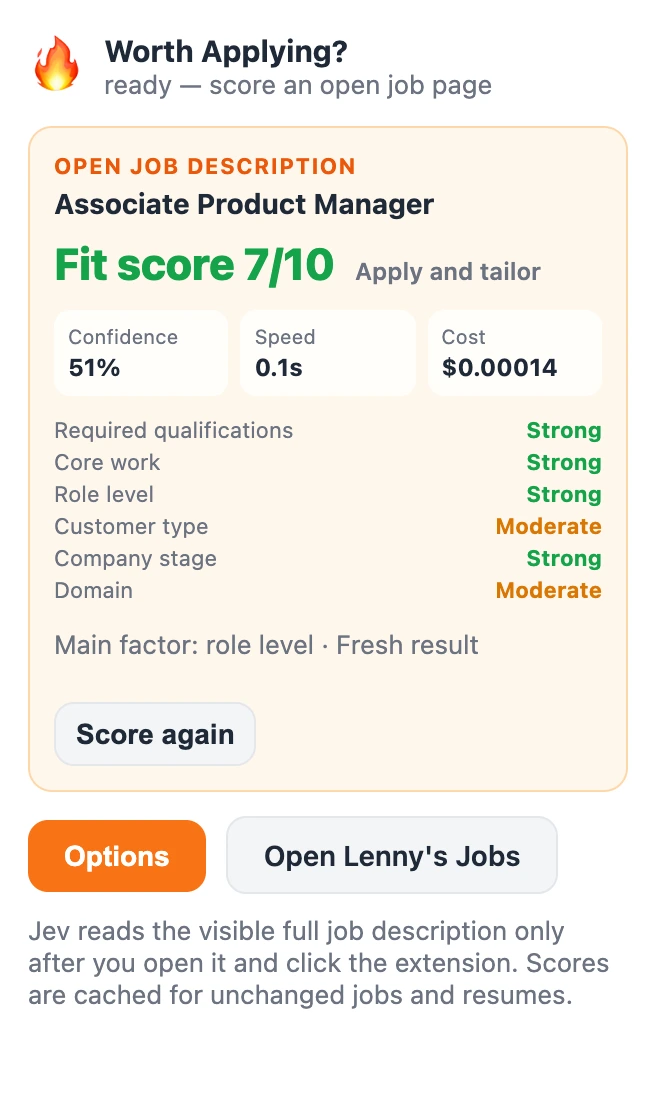
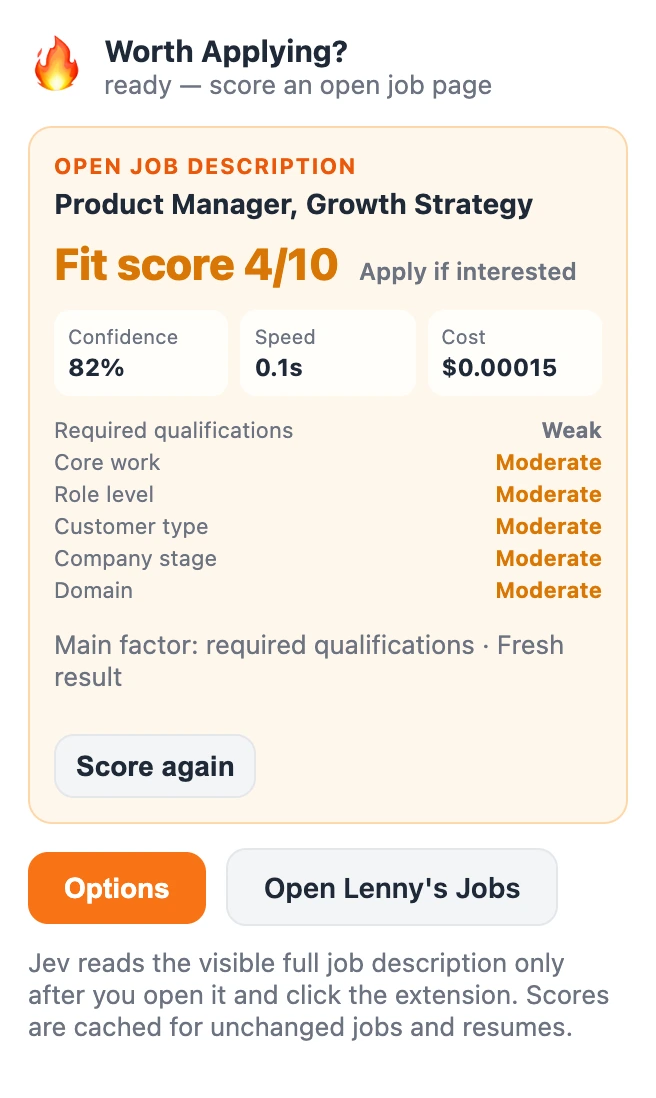
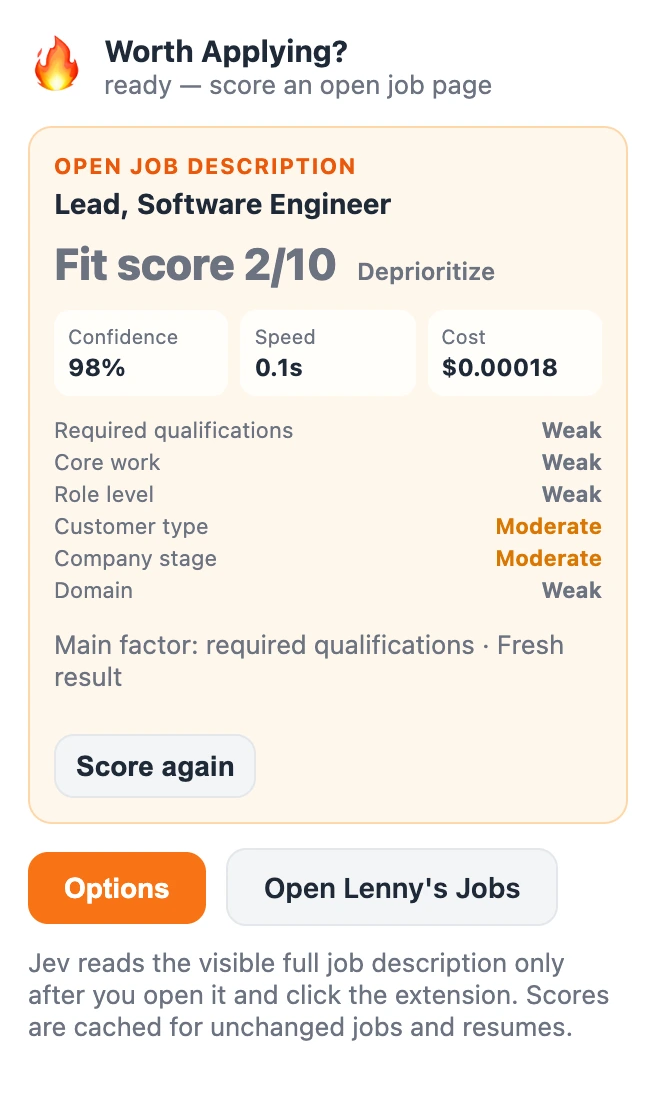
Screenshots from our test run. We removed the company names.
How it works
Set it up once. Then one click per job.
Paste your resume once.
It stays in your browser.
Open any job posting.
Any page that shows the full job description works.
Click the icon.
You get a score out of 10, a recommendation, and a six-part scorecard.
What the score looks at
Jev, a decision model from TypeSafe, rates these six parts. They're listed from most to least weight.
Visa sponsorship gets its own estimate and never lowers your fit score.
- Required qualifications
- The skills and years of experience the posting asks for
- Core work
- Whether you've done this kind of work
- Role level
- Whether your scope matches the role's seniority
- Customer type
- The kind of users or customers you've served
- Company stage
- Startup, growth company, enterprise, or public sector
- Domain
- The industry, which matters least
How we checked it
Close to a full AI review.
We scored 101 postings, mostly product roles, and compared each score with the "Am I a fit?" review on Lenny's Jobs.
All 101 used one MBA candidate's resume, so your results may differ.
Demo
See it score a real posting.
Try it now
Install it in about five minutes.
It isn't in the Chrome Web Store yet, so you load it yourself.
- Download the ZIP and unzip it.
- Open
chrome://extensions, turn on Developer mode, click Load unpacked, and pick the unzipped folder. - Sign in to TypeSafe and create an API key. Its model, Jev, does the scoring for about 2 cents per 100 jobs.
- Click the extension icon, then Options. Add your key and your resume as plain text.
Your resume and key live in your browser. When you score a job, only your resume and that posting go to TypeSafe. Privacy policy